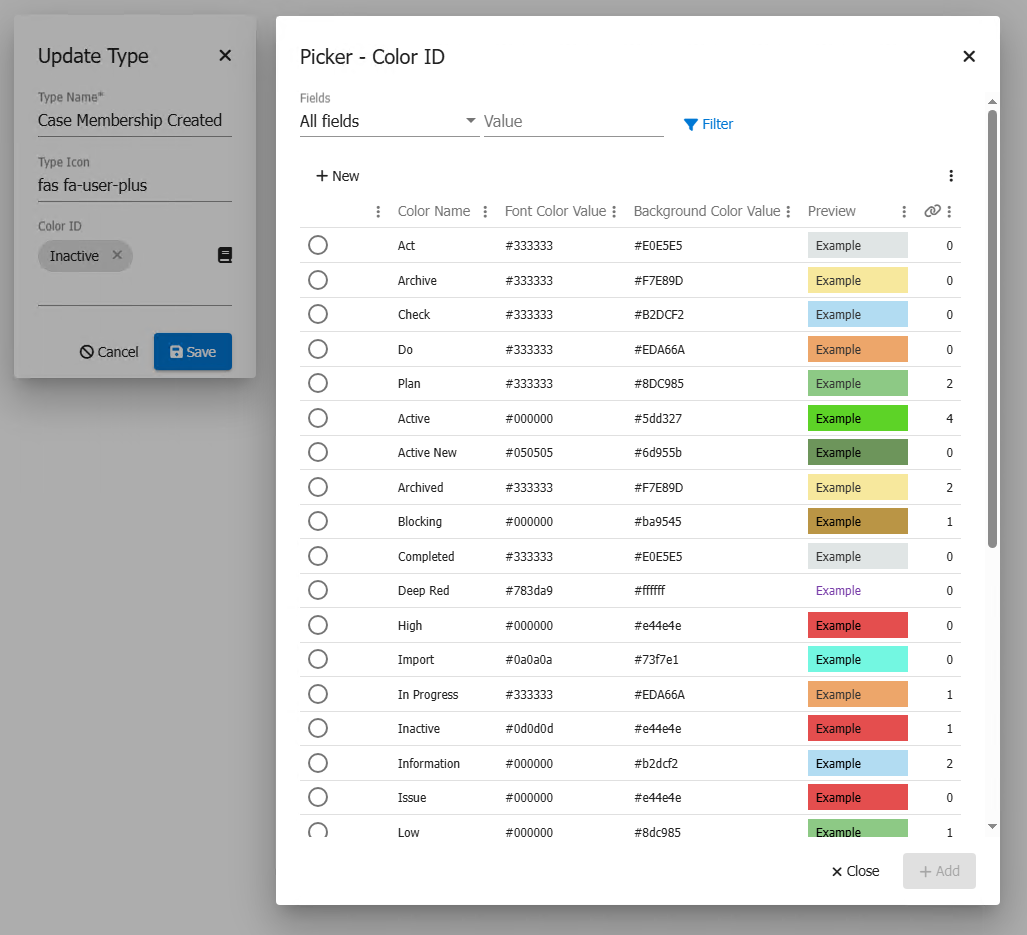
Logbook Masterdata
By default, all necessary master data for the logbook is preconfigured. However, you have the option to customize this master data if needed.
To do so, deploy the “All Types” view of the “Logbook – Types” object. This view provides a comprehensive overview of all existing logbook types, including their associated icons and colors.
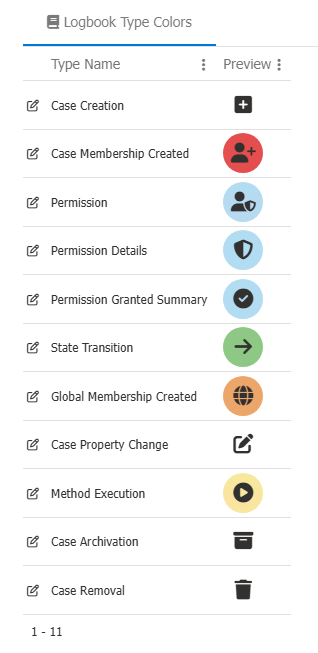
- Fields
- Example
| Fields | Details |
|---|---|
| Type Name | The name of your message type (read only) |
| Type Icon | The icon for this type (font-awesome) |
| Color ID | Specifies the color for this message type. You can select an existing color or create a new one. |