Permissions
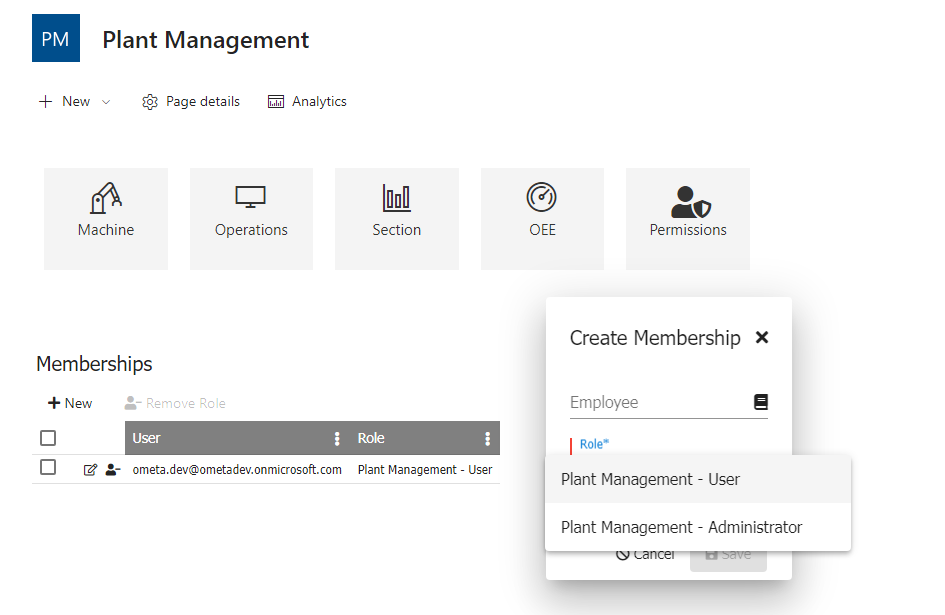
The solution has two roles, Plant Management - User and Plant Management - Administrator. Both the plant management dashboard and the master data dashboard have a permissions page that can only be accessed by users with the Plant Management - Administrator role. On this page administrators can give access to the dashboard for that page.
Giving Access
Navigate to the permissions page on the dashboard for which you want to give someone access. Here an administrator can give an existing employee either a user role or an administrator role.
caution
The employee has to exist in the Ometa Case System. Refer to the case management dashboard documentation for more information on how to add an employee.