Task Dashboard
When installing the tasks module, the Task Dashboard is provided under the Ometa Core Service.
The dashboard contains four pages:
- Tasks
- Color Configuration
- Task Configuration
- DCS Tasks
The Tasks page is accessible for all users. All other pages require the user to have the Administrator role to view the page.
Tasks
This page contains a multi-tabbed overview containing different task overviews. All overviews show tasks across all Ometa cases, regardless of the lifecycle. Cases the user has no access rights, will not show tasks in any of the overviews.
My Global Open Tasks
This overview contains tasks for which the logged in user is either Task Owner or Assignee.
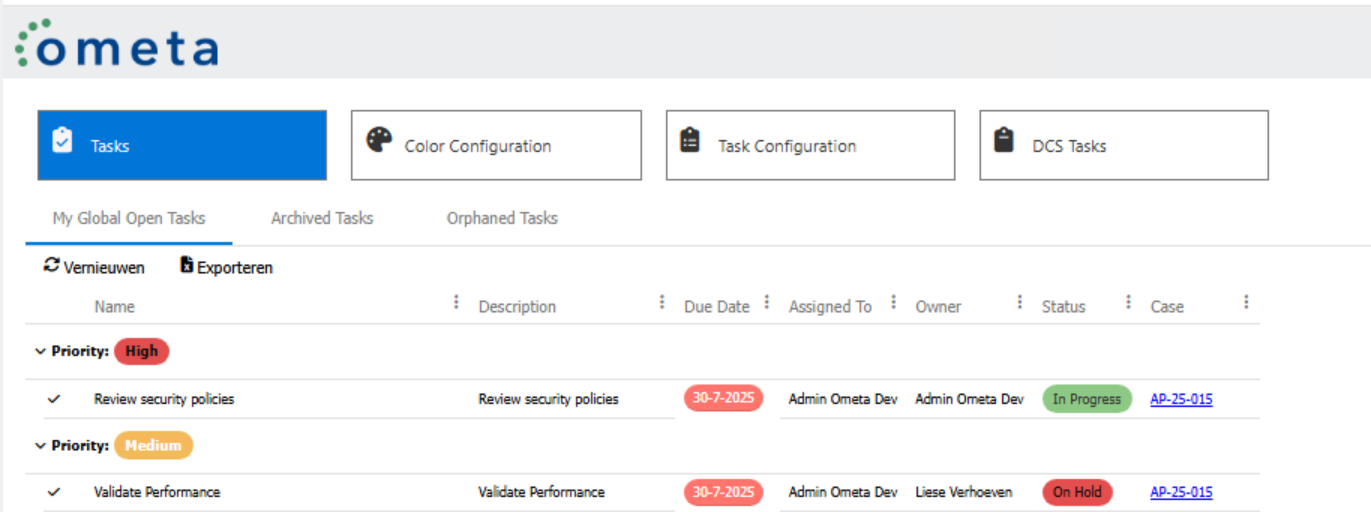
If a task is assigned to or owned by a role and the user is member of this role, this task will also be shown.
The tasks are grouped by priority with the highest priority shown first.
Functionality in this overview includes:
- Task Details
- Create Task
- Update Task
- Close Task
- Reassign Task
- Copy Task
- Task History
- Archive Task
Archived Tasks
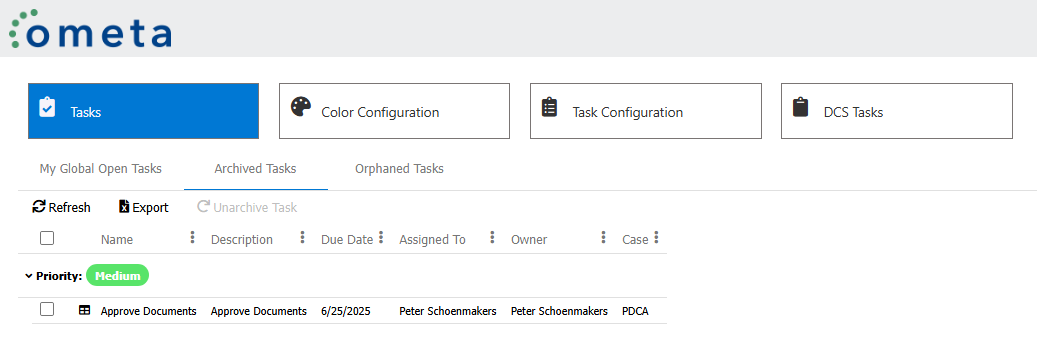
This overview is only available for users having the Administrator role.
The overview contains tasks that have the Archived property set to true. Functionalities are limited and include viewing the task details and unarchiving the task - which returns the task back to active task overviews.
The user must be task manager on a lifecycle to be able to view archived tasks linked to cases in that lifecycle.
Orphaned Tasks
This overview is only available for users having the Administrator role.
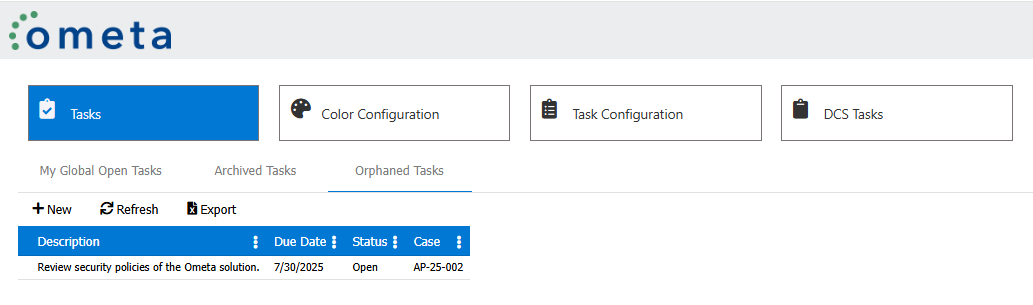
Both users and roles can be soft deleted when leaving the organization. When tasks exist, linked to the soft deleted account, the task is seen as orphaned .
Functionality included is the same as in the My Global Open Tasks.
The user must be task manager on a lifecycle to be able to view orphaned tasks linked to cases in that lifecycle.
Color Configuration
Both the Functional Status and Priority in Task Overviews, can be highlighted by a color.
Colors that are archived can be viewed and unarchived using the Archive function.
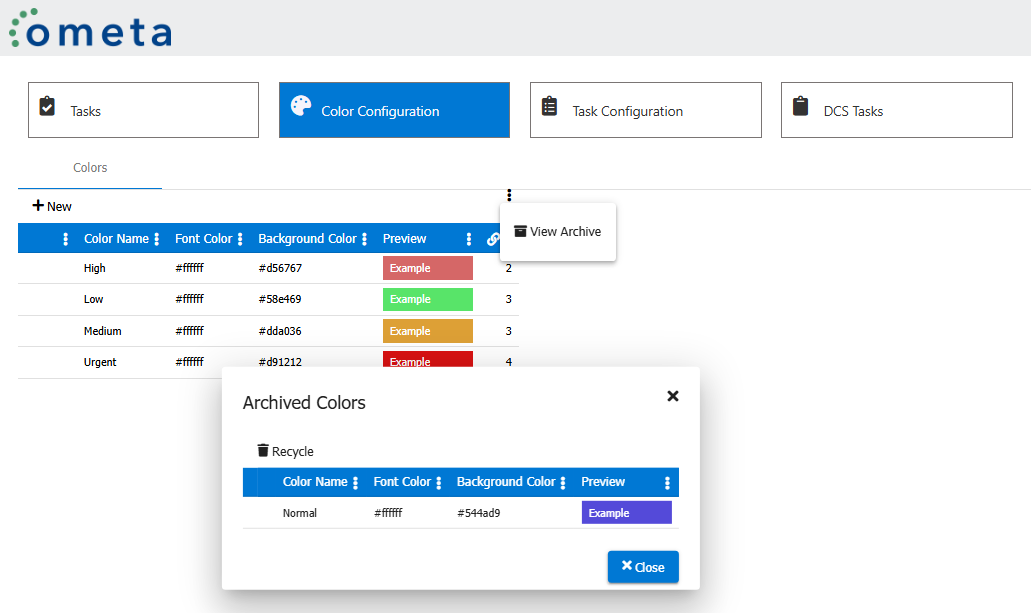
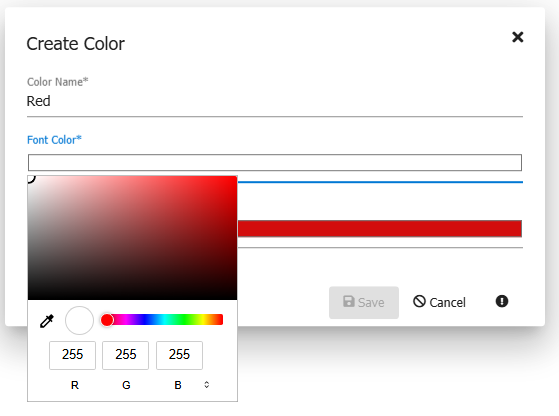
Both the front- and background-color can be set using a color picker:
Task Configuration
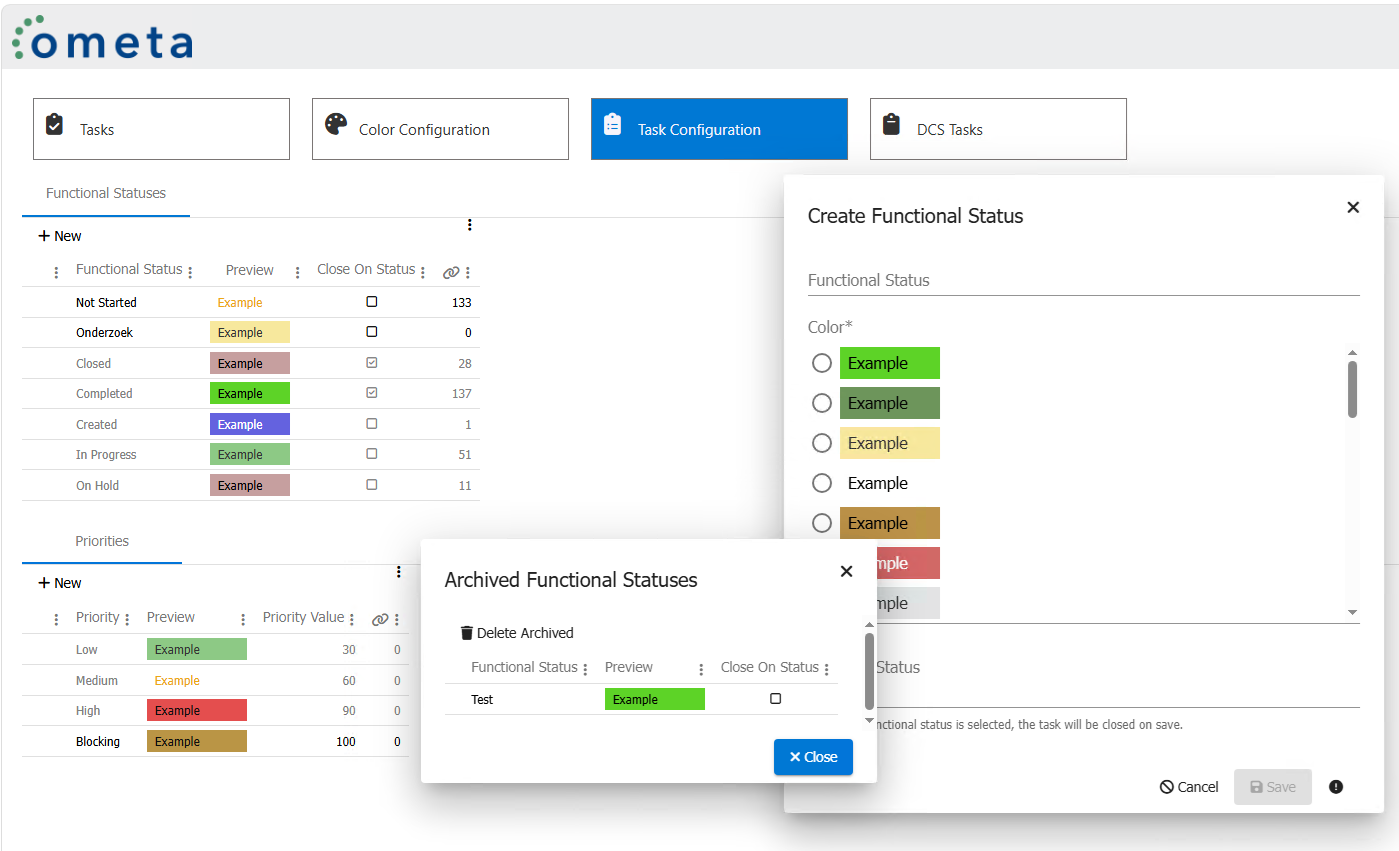
On this page Functional Statuses and Priorities can be managed.
Functional Statuses represent the current state of a task. When Close On Status is set for a status, the task will be closed when changing to this status.
Priorities contain a value which indicates the importance of the priority. Tasks with the highest priority value will be shown at the top of overviews.
During installation of the task module, default functional statuses and priorities are created. These cannot be modified or deleted and will show greyed out in the task dashboard. Additional user-defined functional statuses and priorities can be added, modified or deleted.
The default statuses and priorities include:
- Functional Statuses
- Priorities
| Functional Status | Close On Status |
|---|---|
| Closed | ✔️ |
| Completed | ✔️ |
| Created | |
| In Process | |
| On Hold |
| Priority | Priority Value |
|---|---|
| Low | 30 |
| Medium | 60 |
| High | 90 |
Existing colors can be used to highlight certain statuses and priorities in task overviews.
DCS Tasks
DCS tasks are tasks that are configured in Ometa Case Management, and are linked to both a lifecycle and a state. These tasks will automatically be created when a case enters the given state.
On this page, state tasks can be added to or removed from a lifecycle state. Deletion of a state task is only possible if no instances of that task already exist.
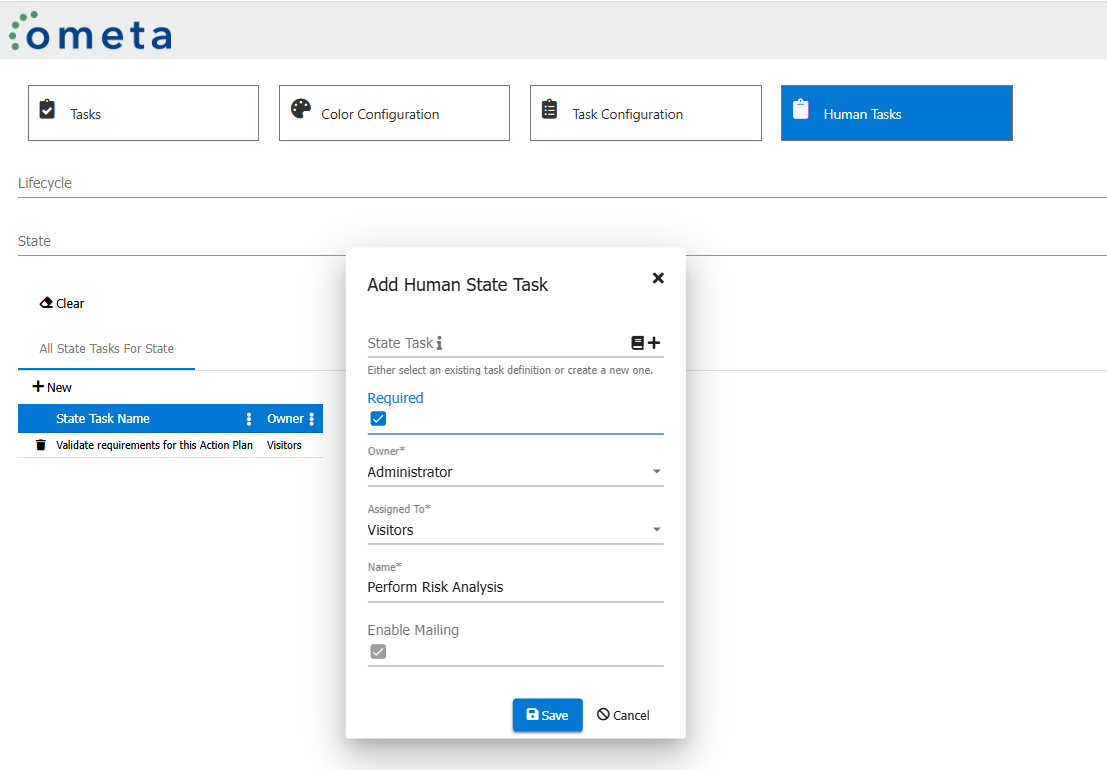
Only lifecycles of which the user is configured to be task manager, will be available for configuration. Ometa Framework administrators have access to all lifecycles.