Case Relations
If you want to create a link between cases you can define relation types in the master data either manually or through a synchronisation.
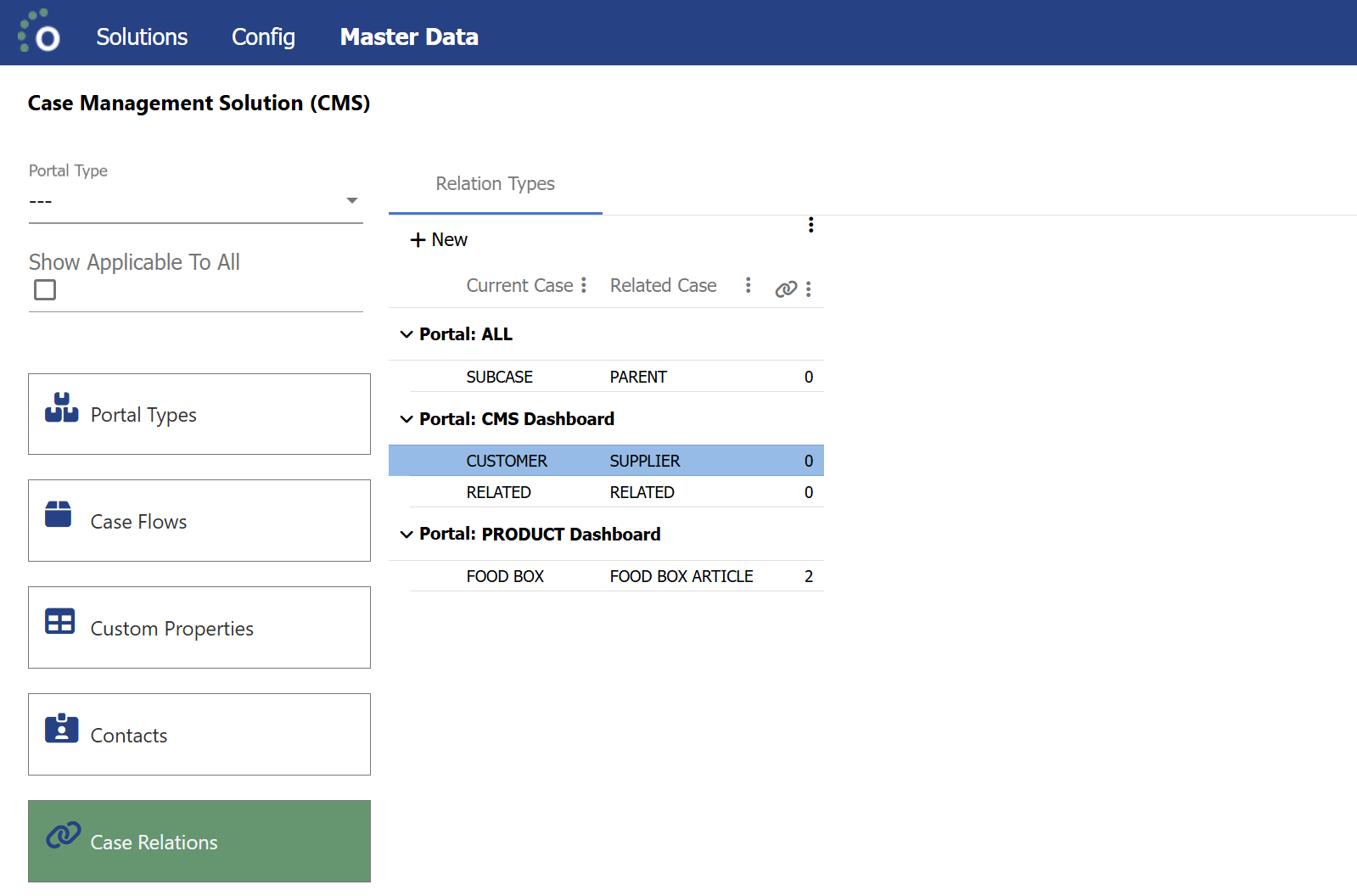
An overview is available that shows all active relation types and in how many cases they are used. You have the option to create new relation types, update or recycle existing ones via the dotted row menu (visible on hover) or manage the archive via the dotted header menu.
The archive hold all recycled relation types where you have the option to Edit , Restore or Delete a relation type. You can also Clean the entire archive.
It can be viewed by using the vertically dotted menu on the right of the function bar.
When the Portal is not filled the relation type is marked as Global and can be used in any portal.
You can filter the page by setting a Portal Type in the filter (top left). You can also enable Show Applicable To All which will show you configuration that is applicable to all portal types apart from your filtered Portal Type.