Master Data
In the master data section you will be able to manage all extra data that can be used in the portals.
All master data pages are set up in the same way:
An overview is available that shows all active records, their metadata and in how many cases they are linked. You have the option to create new records, update or recycle existing ones via the dotted row menu (visible on hover) or manage the archive via the dotted header menu.
The archive holds all recycled contacts where you have the option to Edit , Restore or Delete a record via the dotted row menu (visible on hover). You can also Clean the entire archive.
When the Portal is not filled the record is marked as Global and can be used in any portal.
You can filter the page by setting a Portal Type in the filter (top left). You can also enable Show Applicable To All which will show you configuration that is applicable to all portal types apart from your filtered Portal Type.
You also have Search available on some pages if you want to find specific records.
Users
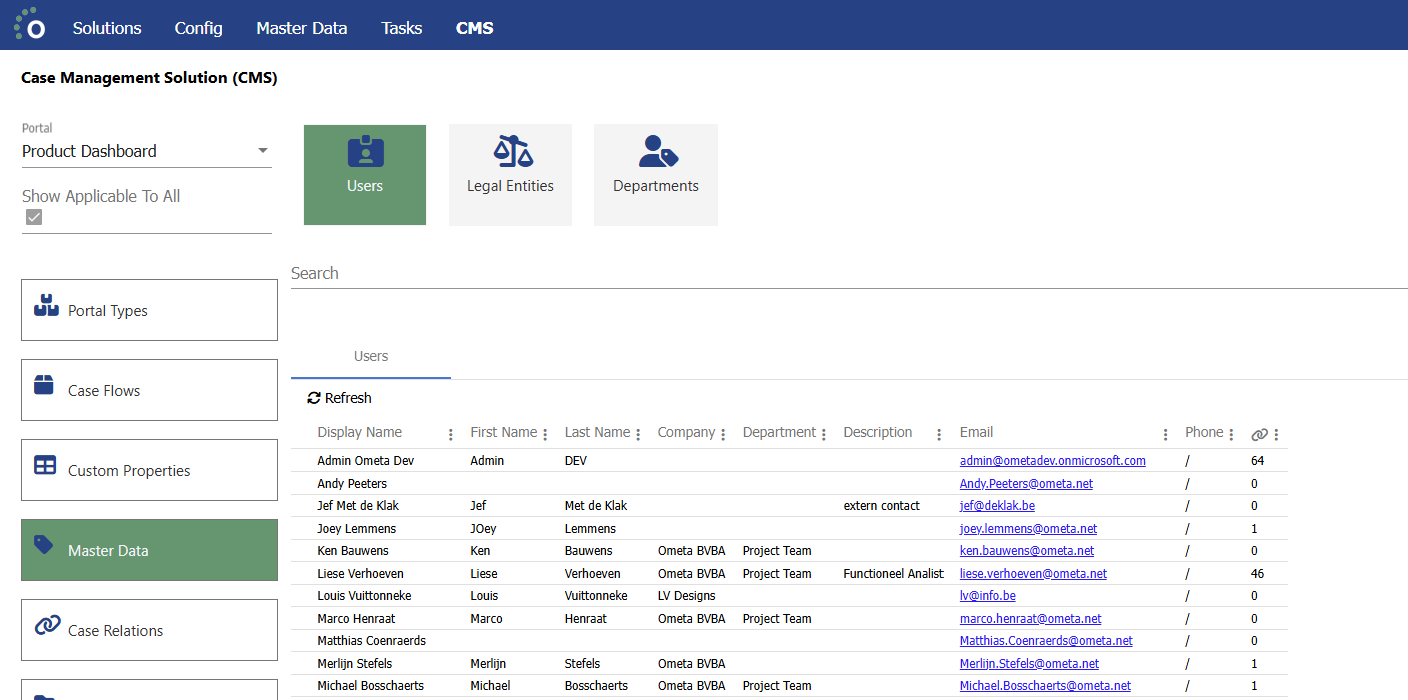
Read-only overview of all users found in Ometa.
These can be added to the case as Members (with permissions) or as Contacts (without permissions).
You can add or update external users in the Contacts tab on a case. Internal users are usually synced from AD.
Legal Entities
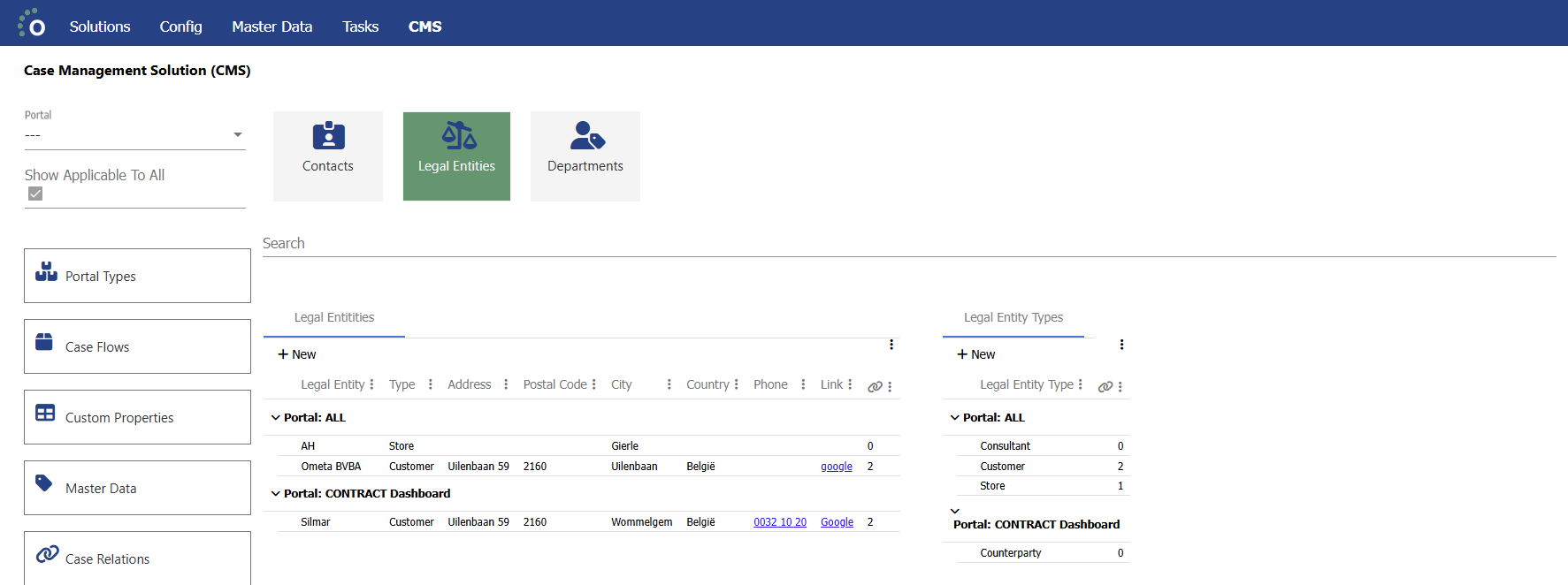
Legal Entities can be integrated in a portal by linking it as a datasource.
You can create new records in the master data section either manually or through a synchronisation. You can also manage the Legal Entity Types in the same location.
The base template does not have this integration by default, but some templates e.g. Contract Management already do.
Departments
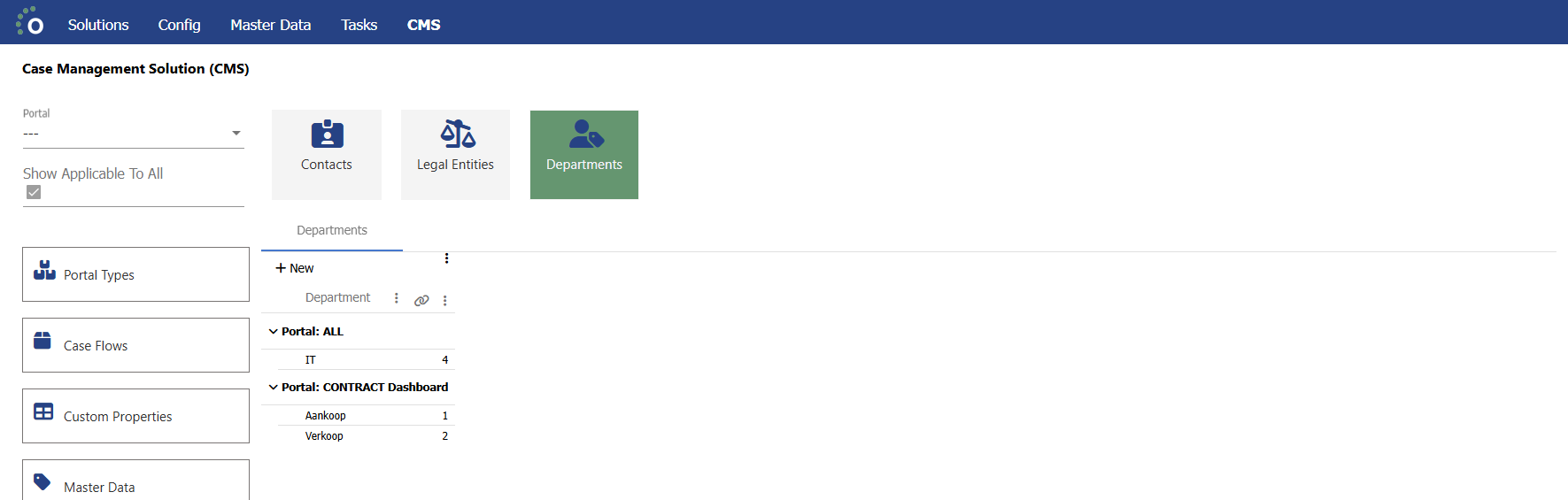
Departments can be integrated in a portal by linking it as a datasource.
You can create new records in the master data section either manually or through a synchronisation.
The base template does not have this integration by default, but some templates e.g. Contract Management already do.